Introduction
Getting your Goods and Services Tax registration is a major milestone for any business. It makes your operations legal, lets you collect tax from customers, and allows you to claim tax credits on your purchases.
However, once registration is complete, many business owners struggle to find or download their official certificate when banks, vendors, or government offices ask for proof. Paper copies get lost easily, and knowing how to get a digital copy quickly is essential.
This guide will show you how to log into the official portal, navigate the menus, and download your GST certificate without hassle.
What Is a GST Certificate?
A GST certificate is an official document issued by the tax department to businesses registered under the Goods and Services Tax system.
It contains vital details about your business, including your Legal Name, Trade Name, Principal Place of Business, registration date, and your unique 15-digit GSTIN (Goods and Services Tax Identification Number).
Why It Matters
- Legal Compliance: You must display your certificate at your main place of business.
- Business Verification: Vendors and partners often ask for your certificate to verify your tax status before working with you.
- Bank Work: Banks require your GST certificate to open current accounts or process business loans.
Prerequisites Before You Download
Before you log in to download your certificate, make sure you have the following ready:
- GSTIN: Your 15-digit Goods and Services Tax Identification Number.
- Portal Login Details: Your username and password for the GST portal.
- Registered Mobile or Email: Access to the phone or email linked to your account for receiving One-Time Passwords (OTPs).
Step-by-Step Guide to Downloading Your GST Certificate
Follow these simple steps to download your certificate directly from the official portal.
Step 1: Visit the Official GST Portal
Open your web browser and go to the official Indian GST portal (www.gst.gov.in).
Step 2: Log In to Your Account
Click on the Login button at the top right corner of the homepage. Enter your username, password, and the captcha code shown on the screen. Click Login to enter your dashboard.
Step 3: Navigate to User Services
Once you are on your dashboard, look at the top menu bar. Click on the Services tab. A drop-down menu will appear. Hover over User Services and click on View/Download Certificates.
Step 4: Locate Your Registration Certificate
The system will display a list of available certificates related to your account. Look for the document labeled Registration Certificate (FORM GST REG-06).
Step 5: Download the PDF
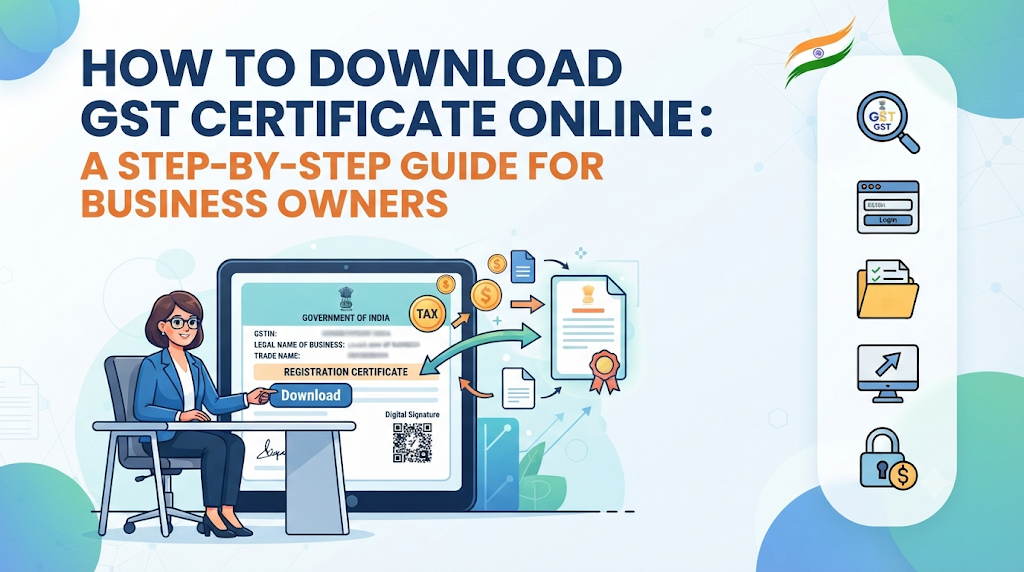
Click the Download icon or link next to the certificate. The file will download to your computer or phone as a PDF document. Open the file to check that all your business details are correct.
Common Mistakes to Avoid
- Using Unofficial Websites: Never enter your login credentials on third-party websites promising quick downloads. Always use the official government portal.
- Forgetting to Save a Backup: Do not keep your certificate in a single downloads folder. Save a digital backup in a secure cloud folder and print a physical copy to keep at your office.
- Ignoring Typo Errors: Check your certificate immediately after downloading. If you spot a spelling mistake in your business name or address, file an amendment application on the portal right away.
Key Terms
- GSTIN: A unique 15-digit code assigned to every business registered under the tax system.
- FORM GST REG-06: The official legal form number of the Goods and Services Tax registration certificate.
- Portal Dashboard: The main control panel screen you see after logging into your account.
- Principal Place of Business: The main headquarters or primary location where your business operates.
Frequently Asked Questions
Is there any fee to download the GST certificate?
No. Downloading your certificate from the official government portal is completely free of charge. Do not pay any third-party service to download it.
Can I download my GST certificate without a password?
No. You must log in with your valid username and password, and complete an OTP verification step to access your dashboard and download the certificate.
What should I do if my certificate is not visible on the portal?
If you cannot find your certificate, check if your application is still pending approval by the tax officer. Once approved, the certificate usually appears within a few hours.
Can I laminate my GST certificate?
Yes. Many business owners laminate their physical copy to protect it from damage and display it prominently at their workplace as required by law.
How many copies of the certificate should I keep?
Keep a digital PDF copy on your secure work computer and print at least one physical copy to display at your primary business location.
Conclusion
Downloading your GST certificate is a quick process once you know the exact steps. By using the official portal, navigating to user services, and saving your PDF securely, you ensure your business stays compliant and ready for any verification check. Keep your login details safe and maintain backups so you never get caught unprepared.
Leave a Reply